Windows 11’s Vision Pro-like remote desktop is now widely available on Quest 3
Microsoft has officially made its Windows 11 remote desktop functionality available across Meta’s Quest 3 and Quest 3S virtual reality headsets. This feature enables users to proje

Admin
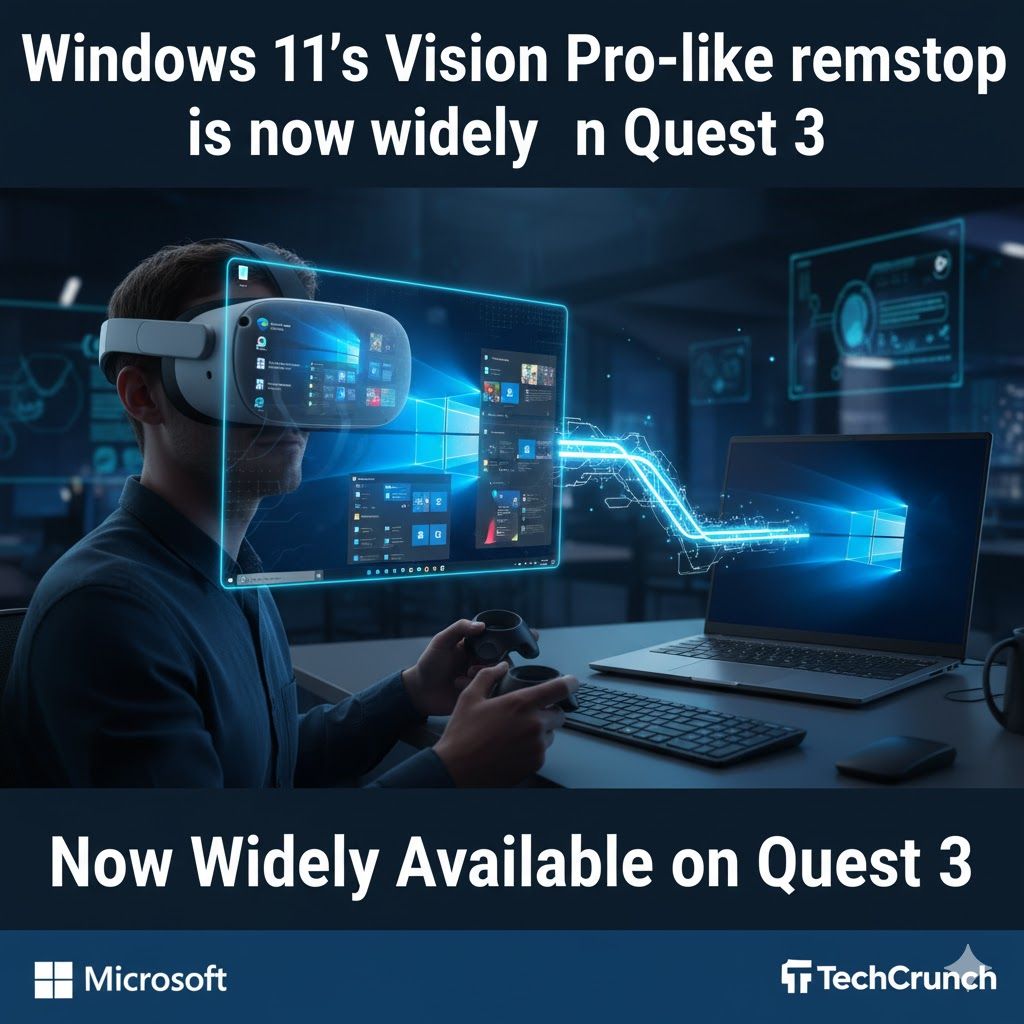
Windows 11's Vision Pro-Inspired Remote Desktop Now Broadly Accessible on Quest 3
Microsoft has officially made its Windows 11 remote desktop functionality available across Meta’s Quest 3 and Quest 3S virtual reality headsets. This feature enables users to projectmultiple high-resolution monitorsinto their Quest headset, alongside an option for animmersive ultrawide display mode, drawing comparisons to capabilities found on Apple’s Vision Pro.
The virtual desktop capability was initially introduced by Microsoft in a preview phase for Quest headsets inDecember 2024. Meta has subsequently been rolling it out more extensively over the past few weeks as part of theHorizon OS v81 update. While the preview initially focused on supporting multiple discrete desktop displays,UploadVRlater discovered the ability to transform the virtual workspace into a single, expansive ultrawide display that curves around the user's field of view.
To access this feature, Quest 3 and 3S users need to downloadMixed Reality Linkonto a Windows computer. Once installed, wearers can interact with their desktop display from within their headset by looking at their keyboard and selecting "pair." Meta provides the flexibility to either fully immerse oneself in the virtual desktop environment or to use thepassthrough mode, allowing users to remain aware of their physical surroundings.
In addition to this major update, Meta is simultaneously implementing other enhancements for the Quest platform. These include the new ability torescale and resize displays across all applications, aFull Passthrough featurefor quick reality checks (activated by double-tapping the side of the headset or pressing the action button on the Meta Quest 3S), and the capacity toopen up to 12 applications simultaneously.